Say it in one sentence —
get your own AI Native appWhat is an AI Native app?1An AI Agent lives inside the app; AI capability and app logic are natively fused2Built around sessions: each session keeps its own data state and AI memory3App logic orchestrates the AI Agent, so what you make can be shared and reused
Pull finance news every morning, with AI summaries and takes, browsable by category; important stories land straight in your inbox. Set it up once and it runs every morning on its own.
Not a website builder
Yuan builds visual AI agents
Native AI assistant
What you get isn't a chat box; it's a web app with an Agent fused in, one that can read the app's data and call its operations.
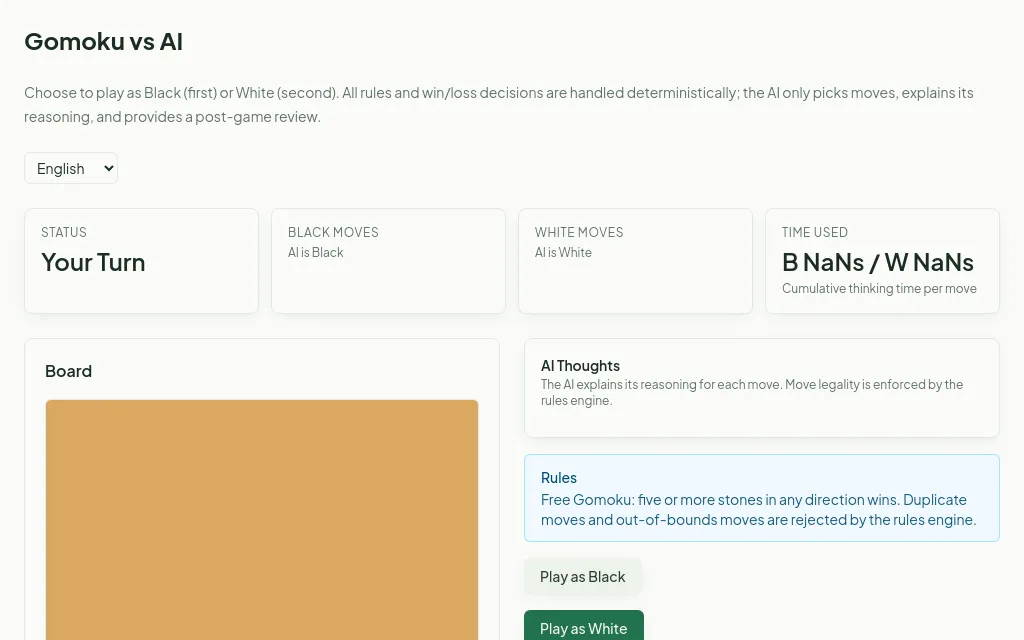
The Agent takes many forms in the UI: reading on-screen data, calling the operations you defined, writing results back to the page. Build an AI Go app, and after you place a stone the Agent thinks, plays its move against you, and explains the reasoning behind it.
Runs on your machine
The same sentence can build a desktop app: menu bar, tray, shortcuts, local files, with the data staying on your computer.
Pick the desktop target and Yuan writes the same spec; the same runtime inside the client renders it in a native window. Records go to a local database, files land on your disk, and nothing syncs unless the app itself calls the cloud.
Sessions
Every app comes with sessions: each trip, each review keeps its own data and AI memory, fully separate.
Unlike an ordinary web app, every Yuan app carries the notion of a session that holds the state and AI memory of each use. Build a financial-report analyzer and one session maps to one company's report; return to its earlier state and AI context any time.
Build it in a sentence
Describe it in plain words; Yuan decides whether you need data tables, charts or an AI assistant, then publishes it for you. No tech skills required.
Apps come with a database, file storage, charts, a canvas and more built in, but you never pick them by hand. Just describe what you want in your own words and Yuan designs and builds it for you.
Ding!
Can't quite describe it, and edits keep missing the mark? Hit Ding! and the AI takes over autonomously: it works out your intent and builds the result for you.
Ding! puts the Yuan Harness Agent into high gear: it re-reads your conversation and the current app, diagnoses the problem itself, then makes and verifies the fix without you explaining a second time. You just wait for the Ding!, like sliding cookies into the oven.
Connect to external systems
Connect your apps to external data and services through Skills or MCP connections: send email, fetch market data, reach your team's systems.
Skills are reference packets you author, good for domain knowledge or a private API. MCP connections plug into ready-made services (Resend email, Alpha Vantage market data); just add your key. An HR specialist could build a dashboard from an internal-data Skill (self-hosted deployment coming soon), or have an app send notification emails via MCP, with no engineering help needed.
Scheduled runs
Let an app run a task by itself every day: fetch fresh data each morning and tidy it into a table, with no one opening it.
Connect external data, then set a daily morning task: the app goes online to pull the data, has AI organize it, and writes it into your table. New tasks start off; once you switch one on it runs on schedule in the background (higher plans allow more tasks at once).
Themes & publishing
Swap between visual styles in one click, with multilingual support; publish the moment you're happy.
Keep an app private for yourself, share a link with friends, or make it fully public so everyone can see what you built.
Yuan Desktop
Launchpad, Builder and runtime, all in one signed client.
- Native menu bar
- Tray and Dock badge
- Global shortcuts
- Local files and clipboard
- Add to Dock / Start menu
See what people made with Yuan
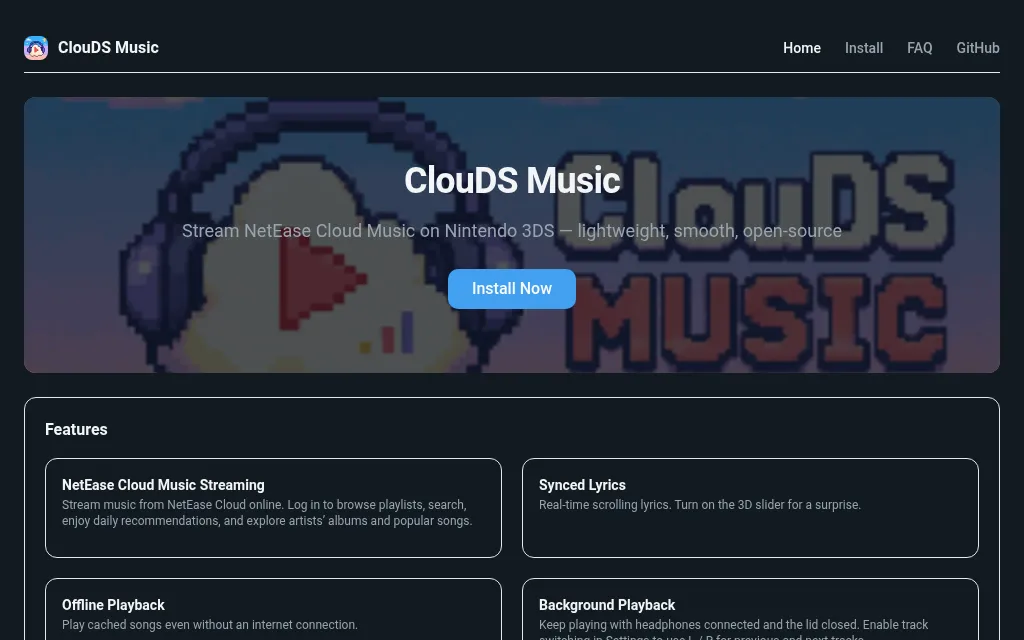
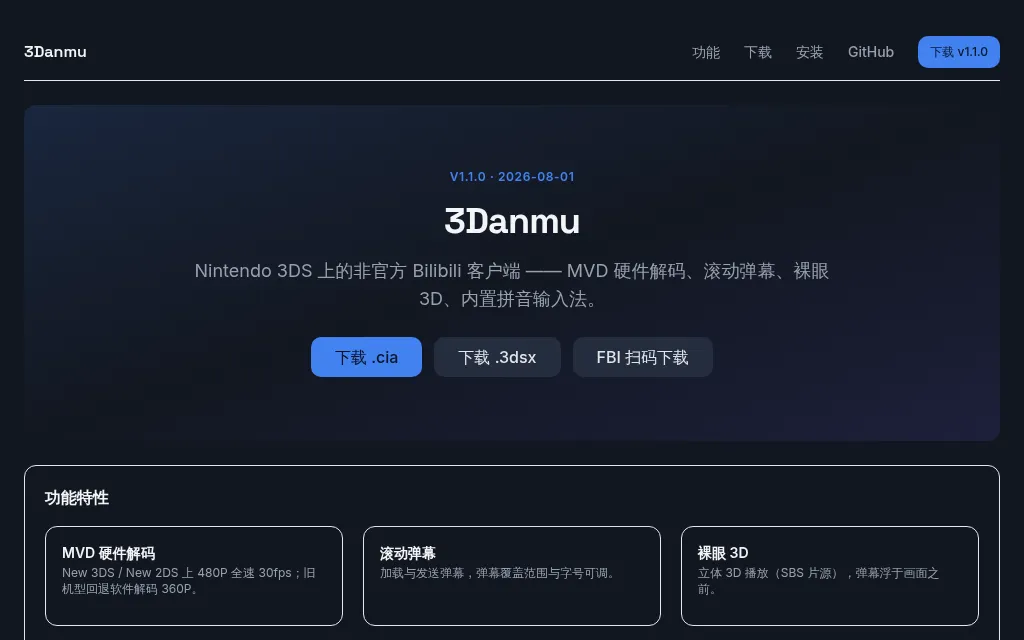
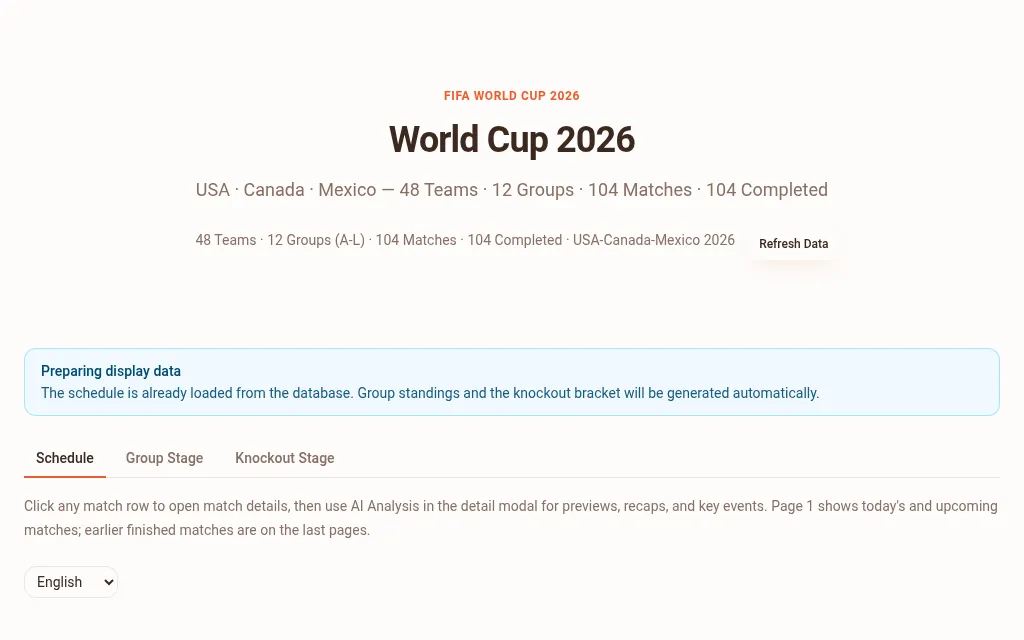
Explore the Gallery →Every one of these is a live app: open it and use it right away

From the blog
View all →Running an AI App Platform Entirely on Cloudflare
Yuan's public site, control plane, database, storage, and AI agent sandboxes all run on Cloudflare. This retrospective covers why we chose the stack, how the architecture fits together, the three decisions that paid off most, and the parts that wore us down, like D1's transaction model and container cold starts. Cloudflare did not sponsor this post.
Yuan vs Lovable vs v0
v0 hands you UI code, Lovable hands you a full-stack repository, and Yuan hands you a running AI Native app. This article walks through the differences with official pricing data, who each tool suits, and the cases where Yuan is the wrong choice.
What Is an AI Native App, and Why We Built Yuan This Way
However good your chat with AI was, you're often left with just a transcript. We built Yuan so a single sentence gives you a real AI Native app: data, a built-in AI assistant, and a shareable link. Here's what an AI Native app is, and why we designed it this way.
Turn your idea into a working app
Free to start, no credit card. Apps in the gallery are open to try without an account.